
Questionnaires
Know your clients
before the first meeting.
Send custom questionnaires to collect every detail you need to plan — guest counts, timelines, preferences, and more — before you even pick up the phone.
No credit card required
Intro
Page 4 of 5
Partner Names *
Event Date *
Guest Count *
Budget *
Type of Ceremony *
Venue Name *
Venue City *
Outdoor Ceremony? *
Color Palette *
Photography Style *
Special Requests *
- 0%
- average completion rate
for client questionnaires. - 0 hrs
- saved per event on
back-and-forth emails. - 0
- missed details when
planning starts.
Stop chasing
details.
Collect guest counts, timelines, vendor preferences, and every planning detail — right inside the same document where clients sign and pay.
Intro
Ceremony Details Questionnaire
0 of 6 answered
Partner Names*
Event Date*
Guest Count*
Type of Ceremony*
Special Requests*
Outdoor Ceremony?*
Collect what matters
Partner names, dietary needs, venue preferences, guest counts — ask everything upfront so you can start planning immediately.
Part of the booking flow
Add multiple questionnaire pages to any proposal — Intro, Ceremony Details, Reception Vision — clients fill them out alongside signing and paying.
Trigger automations from answers
When a questionnaire is completed, fire automations — send an AI-powered follow-up email personalized to their answers, create tasks, or update project stages.
See who's responded
Track response progress across all your clients — know exactly who's completed their questionnaire and who needs a nudge.
Stop
chasing
details.
Collect guest counts, timelines, vendor preferences, and every planning detail — right inside the same document where clients sign and pay.
Collect what matters
Partner names, dietary needs, venue preferences, guest counts — ask everything upfront so you can start planning immediately.
Part of the booking flow
Add multiple questionnaire pages to any proposal — Intro, Ceremony Details, Reception Vision — clients fill them out alongside signing and paying.
Trigger automations from answers
When a questionnaire is completed, fire automations — send an AI-powered follow-up email personalized to their answers, create tasks, or update project stages.
See who's responded
Track response progress across all your clients — know exactly who's completed their questionnaire and who needs a nudge.
Intro
Ceremony Details Questionnaire
0 of 6 answered
Partner Names*
Event Date*
Guest Count*
Type of Ceremony*
Special Requests*
Outdoor Ceremony?*
Ask. Understand. Plan.
Create your onboarding form
Build questionnaires with the same editor you use for proposals. Add text fields, dropdowns, date pickers, radio buttons, and checkboxes — then add multiple questionnaire pages to cover every topic.
Builder
×PAGES
ELEMENTS
Question Types
Text
Paragraph
Dropdown
Checkbox
Radio
Date
Templates
Start from a template
Ceremony Details
Reception Vision
Intro
Page 4 of 5
Intro
Ceremony Details Questionnaire
Partner Names*
Enter partner names
Event Date*
Select a date
Guest Count*
Estimated number of guests
Type of Ceremony*
Dietary Restrictions*
Special Requests*
Any special requirements?
Send it with the proposal
Add a questionnaire page right inside your proposal — clients review the contract, pay the deposit, and fill out their details all from one link.
Builder
×PAGES
ELEMENTS
Pages
Cover Page
Contract
Invoice
Pay
Intro
Questionnaire
Ceremony Details
Questionnaire
Add Pages
+ Browse
Contract
Questionnaire
Cover Page
Custom Page
Intro
Page 5 of 6
Intro
Tell us about your dream wedding
Partner Names*
Enter partner names
Event Date*
Select a date
Guest Count*
Estimated number of guests
Venue Preference*
Indoor, outdoor, or either
Read every answer
See each client's responses in a clean summary — question by question, with answered and pending items clearly marked.
Intro — Responses
Sarah & James Mitchell
7 of 8 answered
Partner Names
Sarah & James Mitchell
Event Date
June 14, 2026
Guest Count
120 guests
Type of Ceremony
Christian
Dietary Restrictions
Vegetarian (8), Gluten-free (3)
Venue Preference
Outdoor ceremony, indoor reception
Color Palette
Sage green & dusty rose
Special Requests
Waiting for response
Track who's completed
Your documents list shows response progress at a glance — 3 of 9 answered, 7 of 7 complete — so you always know where every client stands.
Questionnaires
Search
Project
Date
Progress
Status
Pages
Sarah & James — Wedding
Feb 24
12 of 12
2
Emily & Marco — Wedding
Feb 23
6 of 9
2
Jordan & Priya — Engagement
Feb 22
3 of 7
1
Olivia & Noah — Wedding
Feb 21
0 of 15
3
Mia & Ethan — Elopement
Feb 20
7 of 7
1
More questionnaire features
Onboard every client
Use questionnaires as your onboarding form — collect partner details, event vision, and logistics before the first call.
Standalone or in proposals
Send questionnaires on their own or embed them as a page inside any proposal — they work both ways.
See what's pending
Response tracking shows exactly which questions each client has answered — so you know when to follow up.
Automation triggers
Fire workflows when a questionnaire is completed — send AI-powered emails personalized to their answers, create tasks, or advance project stages.
Save as templates
Build your perfect onboarding form once and reuse it for every new client. Templates save all pages and questions.
Completion notifications
Get notified when a client finishes their questionnaire — so you can start planning right away.
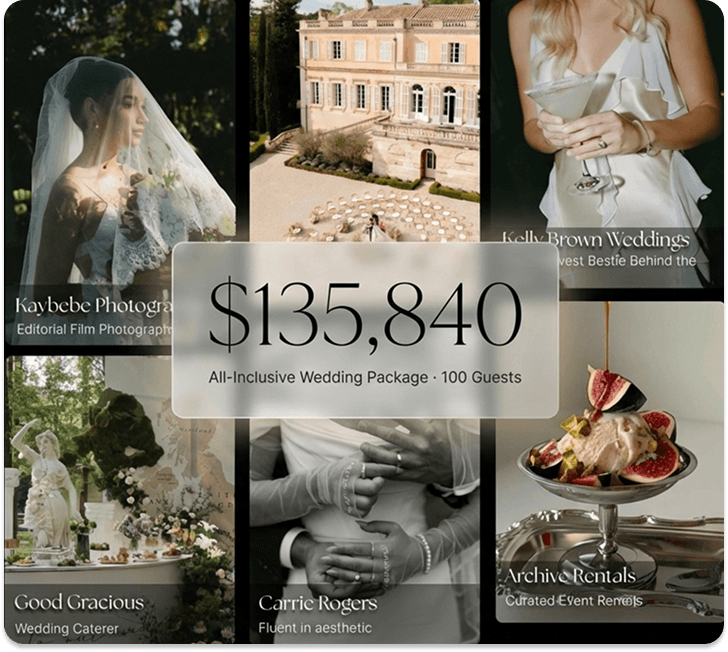
The Business Of Weddings
The Wedyverse
Marketplace
−Designed for luxury wedding venues and top-tier vendors combining CRM software, direct bookings, and curated package placement inside the Wedy marketplace.
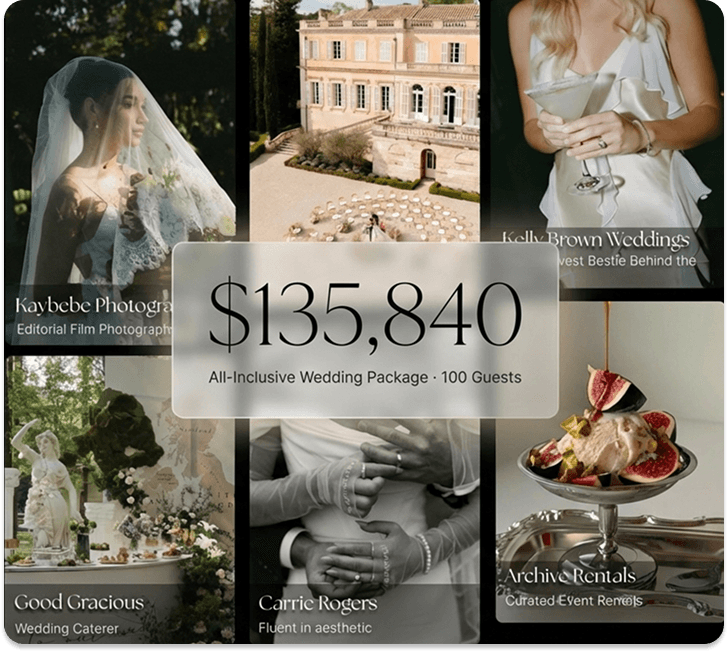
World Class Booking Engine
+Bespoke Wedding Packages
+Proposals, Invoices, Contracts
+AI Workflow Automation
+Preferred Vendor Network
+AI Engineer Support
+The Wedyverse
The Business Of Weddings
Marketplace
Designed for luxury wedding venues and top-tier vendors combining CRM software, direct bookings, and curated package placement inside the Wedy marketplace.
World Class Booking Engine
Bespoke Wedding Packages
Proposals, Invoices, Contracts
AI Workflow Automation
Preferred Vendor Network
AI Engineer Support


FRICTIONLESS ONBOARDING
We Power The Wedding
Industry's Taste Makers
Focus on you. We'll handle routine, repetitive tasks and leave the rest untouched. The result: hours of your life, back in your hands.






Don’t stop there.
Wedy does a lot, because so do you. Keep exploring how Wedy can help your business thrive.
FAQsFAQs
A questionnaire is a custom form you send to clients to collect planning details — partner names, guest counts, timelines, vendor preferences, dietary needs, and anything else you need before the event. Send them standalone or embed them as a page inside a proposal.
Most vendors send questionnaires right after booking — embedded in the same proposal where clients sign and pay. This way you collect every detail upfront while the client is still engaged, without a separate follow-up.
Yes. Add a Questionnaire page to any proposal and clients fill it out in the same flow where they review, sign, and pay. All responses are tracked alongside contract and payment status in the file summary.
Yes. Add as many questionnaire pages as you need — Intro, Ceremony Details, Reception Vision — each one is its own page inside the proposal. Clients fill them out alongside signing and paying, and you can track progress on each one individually.
Your documents list shows response progress at a glance — "3 of 9 answered" or "7 of 7 complete." Click into any questionnaire to see individual answers per question, with pending items clearly marked.
Yes. Save any questionnaire as a template and reuse it for every new booking. Templates preserve all your pages and questions — just create a new one from the template and send.
Lead forms are short, embeddable forms on your website for capturing initial inquiries. Questionnaires are detailed forms sent to booked clients — embedded inside proposals — to collect everything you need for planning. They serve different stages — lead forms bring clients in, questionnaires help you understand them.
No. Clients receive a secure link and verify their identity with a one-time email code. They can complete the questionnaire on any device — no account, no app download, no friction.
A questionnaire is a custom form you send to clients to collect planning details — partner names, guest counts, timelines, vendor preferences, dietary needs, and anything else you need before the event. Send them standalone or embed them as a page inside a proposal.
Most vendors send questionnaires right after booking — embedded in the same proposal where clients sign and pay. This way you collect every detail upfront while the client is still engaged, without a separate follow-up.
Yes. Add a Questionnaire page to any proposal and clients fill it out in the same flow where they review, sign, and pay. All responses are tracked alongside contract and payment status in the file summary.
Yes. Add as many questionnaire pages as you need — Intro, Ceremony Details, Reception Vision — each one is its own page inside the proposal. Clients fill them out alongside signing and paying, and you can track progress on each one individually.
Your documents list shows response progress at a glance — "3 of 9 answered" or "7 of 7 complete." Click into any questionnaire to see individual answers per question, with pending items clearly marked.
Yes. Save any questionnaire as a template and reuse it for every new booking. Templates preserve all your pages and questions — just create a new one from the template and send.
Lead forms are short, embeddable forms on your website for capturing initial inquiries. Questionnaires are detailed forms sent to booked clients — embedded inside proposals — to collect everything you need for planning. They serve different stages — lead forms bring clients in, questionnaires help you understand them.
No. Clients receive a secure link and verify their identity with a one-time email code. They can complete the questionnaire on any device — no account, no app download, no friction.