
Smart Documents
One link. Contract, invoice,
and payment — done.
Build multi-page proposals where clients sign the contract, review the invoice, and pay the deposit — all without leaving the page.
No credit card required
Invoice
Page 1 of 3
Invoice
Bill to
Sarah Johnson
7421 Barton Creek, New York, NY 10036
sarah@example.com
(212) 555-0147
Invoice #
0022-001459
PO #
00024
Invoice date
Feb 24
8 hours of venue rental
$22,500
Private chef catering for 60 guests
$16,800
Furniture rental
$5,325
Subtotal
$44,625
Tax (8%)
$3,570
Total
$48,195
- 0%
- of proposals signed
within 24 hours. - 0 fewer
- emails needed per
booking. - 0x
- faster payment
collection.
Build once.
Send once. Get booked.
Every page your client needs — contract, invoice, payment, and questionnaire — in a single branded document.
Contract
Taylor Photography
Wedding Package Proposal
Client Name:
Event Date:
Theme Settings
Customize document colors and styles
Color Scheme
Custom Colors
Page Color
#F5F5F0
Accent Color
#E56C46
Button Color
#E56C46
Text Color
#1A1A1A
Brand it your way
Customize colors, fonts, and themes so every document feels like an extension of your brand.
One link, every step
Combine contract, invoice, questionnaire, and payment into one seamless client experience.
Track every touchpoint
See exactly when clients open, sign, and pay — in real time from your dashboard.
Close deals faster
Clients review, sign, and pay without leaving the page. No back-and-forth needed.
Build once.
Send once.
Get booked.
Every page your client needs — contract, invoice, payment, and questionnaire — in a single branded document.
Brand it your way
Customize colors, fonts, and themes so every document feels like an extension of your brand.
One link, every step
Combine contract, invoice, questionnaire, and payment into one seamless client experience.
Track every touchpoint
See exactly when clients open, sign, and pay — in real time from your dashboard.
Close deals faster
Clients review, sign, and pay without leaving the page. No back-and-forth needed.
Contract
Taylor Photography
Wedding Package Proposal
Client Name:
Event Date:
Theme Settings
Customize document colors and styles
Color Scheme
Custom Colors
Page Color
#F5F5F0
Accent Color
#E56C46
Button Color
#E56C46
Text Color
#1A1A1A
From draft to deposit.
Design your proposal
Drag and drop pages — contract, invoice, questionnaire — into one polished document your clients will love.
Builder
×PAGES
ELEMENTS
Pages
Cover Page
Contract
Invoice
Pay
Add Pages
+ Browse
Contract
Questionnaire
Cover Page
Custom Page
Contract
Page 2 of 4
All-Inclusive Wedding Package Agreement
This Agreement is entered into on the date of signature below
1. PARTIES
Client Name:
Email Address:
Phone Number:
2. EVENT DETAILS
Event Date:
Guest Count:
Venue:
Estimated Budget:
3. PACKAGE SERVICES
Brand every detail
Choose colors, fonts, and themes so every proposal feels like a natural extension of your business.
Builder
×PAGES
ELEMENTS
Add Elements
Image
Text
Divider
Spacer
Video
Question
Company Info
Layouts
Invoice
Page 3 of 4
Text
Add Here
Taylor Photography
New York, NY
All-Inclusive Wedding Package
Service Info
Qty
Total
Venue & Accommodation
Wedding venue for 30 guests
1
$5,850
Photography Coverage
4 hrs professional photography
1
$2,000
Officiant Services
Licensed wedding officiant
1
$600
Subtotal
$8,450
Total
$8,450
Share one link
Send your proposal via email and let clients review, sign, and pay — without switching between tools.
Builder
Proposal Page
Contract
Invoice
Pay
New Message
To
Sarah Parker
×Subject
A few updates to Sarah's Elopement Proposal
Hi Sarah,
This message is to inform you that I've made updates to Sarah's Elopement Proposal.
Take some time to review and let me know if you have any questions.
Watch it close
Track opens, signatures, and payments from your dashboard in real time. Know exactly where every deal stands.

Home
Calendar
CRM
Leads
Schedulers
Projects
Project Tasks
Lead Forms
Documents
Templates
Automations
Marketplace
Packages
Messages
Bookings
Profile
Payments
Account
Help Center
Projects
103
ALL
0
INQUIRY
2
QUALIFIED
13
PROPOSAL SE...
54
BOOKED
0
IN PROGRESS
0
COMPLETED
34
ARCHIVED
Search projects...
Filters
Project Date: Newest
October 2027
1 Project
NAME
TYPE
DATE
TAGS
STAGE
Melanie and Haruto's Wedding
Wedding
Oct 8, 2027
Booked
September 2027
1 Project
NAME
TYPE
DATE
TAGS
STAGE
Katelynn's Wedding
Wedding
Sep 17, 2027
Booked
July 2027
1 Project
NAME
TYPE
DATE
TAGS
STAGE
Manny and Hannah's Wedding
Wedding
Jul 17, 2027
Booked
More proposal features
Start from a template
Pick from ready-made proposal templates or save your own. Reuse them for every new inquiry in seconds.
Smart fields that auto-fill
Client names, dates, and totals populate automatically from your project details — no manual copy-pasting.
Tell your brand story
Add a cover page with your logo, bio, and portfolio so clients feel the full experience before they sign.
Built-in questionnaires
Embed questions directly in the proposal to collect guest counts, timelines, and preferences upfront.
Unlimited revisions
Edit and resend proposals after they go out. Clients always see the latest version — no duplicate documents or confusion.
One secure link to close
Share a single branded link where clients review every page, e-sign the contract, and pay — all without leaving.
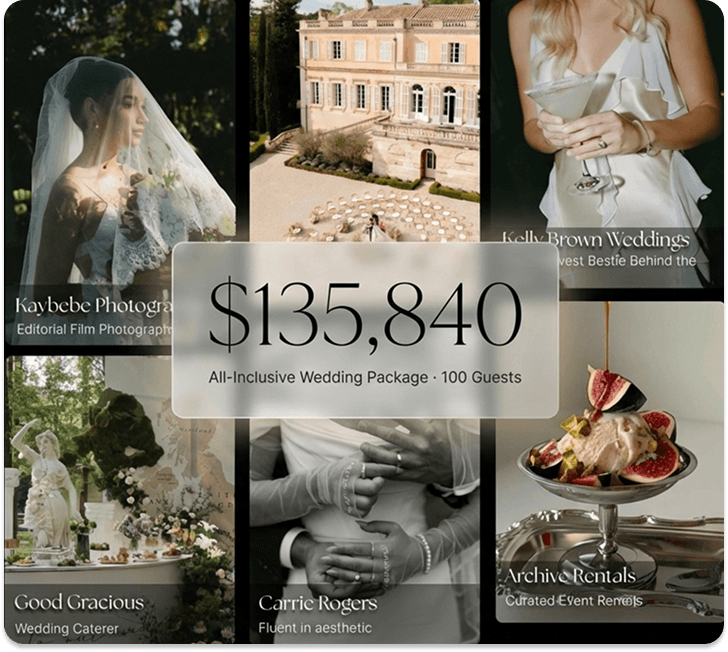
The Business Of Weddings
The Wedyverse
Marketplace
−Designed for luxury wedding venues and top-tier vendors combining CRM software, direct bookings, and curated package placement inside the Wedy marketplace.
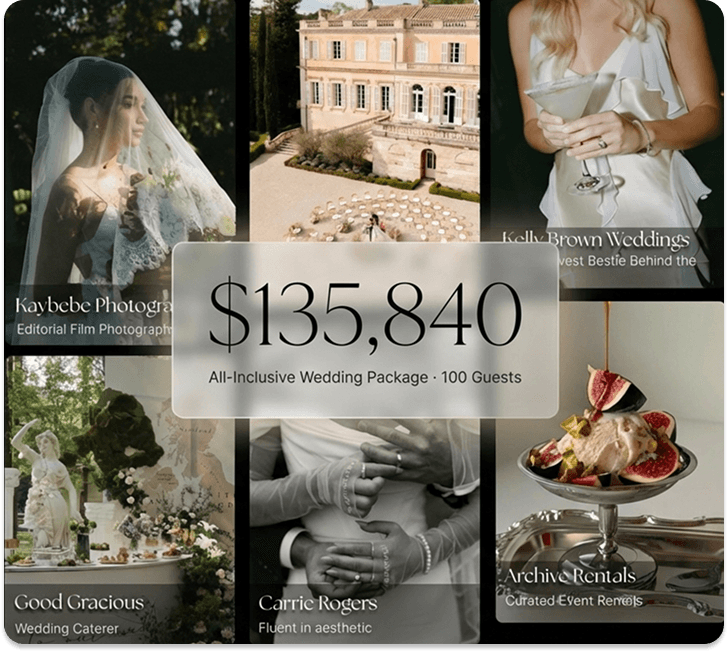
World Class Booking Engine
+Bespoke Wedding Packages
+Proposals, Invoices, Contracts
+AI Workflow Automation
+Preferred Vendor Network
+AI Engineer Support
+The Wedyverse
The Business Of Weddings
Marketplace
Designed for luxury wedding venues and top-tier vendors combining CRM software, direct bookings, and curated package placement inside the Wedy marketplace.
World Class Booking Engine
Bespoke Wedding Packages
Proposals, Invoices, Contracts
AI Workflow Automation
Preferred Vendor Network
AI Engineer Support


FRICTIONLESS ONBOARDING
We Power The Wedding
Industry's Taste Makers
Focus on you. We'll handle routine, repetitive tasks and leave the rest untouched. The result: hours of your life, back in your hands.






Don’t stop there.
Wedy does a lot, because so do you. Keep exploring how Wedy can help your business thrive.
FAQsFAQs
A Smart Document is a multi-page client document that combines cover pages, contracts, invoices, questionnaires, and custom content into a single branded experience. Instead of sending separate PDFs and payment links, you build one document in a drag-and-drop editor and share a single secure link. Clients verify their identity with a one-time email code, then review, e-sign, fill out forms, and pay — all without leaving the page or creating an account.
The editor uses a three-panel layout: a left panel listing your pages (drag to reorder, click to rename), a center canvas where you visually arrange elements, and a right panel for themes, element settings, and document options. Add pages like Cover Page, Contract, Invoice, Questionnaire, or Custom Page, then drag elements — text, images, dividers, spacers, videos, company info, and layouts — onto the canvas. AI assistance helps draft contract language, invoice descriptions, and questionnaire questions as you build. All changes save automatically in real time.
Yes. Contract pages include built-in signature fields where clients can type or draw their signature. Every signature is timestamped and tied to an authenticated session verified through the client's email. After signing, vendors can add a counter-signature. Payment pages accept credit cards (2.9% + $0.30) and ACH bank transfers (0.8% capped at $5). You can set up payment schedules — for example, a 50% deposit on signing with the remainder due 30 days before the event.
Yes. Click "Edit Draft" on any sent document to make changes privately — clients keep seeing the published version until you're ready. For minor text updates you can choose to notify the client or push changes silently. For material changes like updated pricing or contract terms, clients will need to re-approve. Every send creates a new version, and you can review the full version history with timestamps at any time. You can also discard a draft to revert to the last published version.
Every document moves through six statuses: Draft (created but not sent), Sent (delivered via your connected email), Viewed (client opened and verified identity), In Progress (client started signing, paying, or filling forms), Completed (all required actions finished), and Expired (deadline passed). Your document list page has status tabs and a search bar so you can filter instantly. Automation triggers like "Contract Signed" or "Invoice Paid in Full" let you auto-send emails, create tasks, or advance your project stage based on these status changes.
The Themes tab gives you full control over page color, text color, highlight/accent color, input fill, input border, and font — use any color you want. Apply your Company Theme in one click to pull brand settings from your profile, then fine-tune per document. Changes preview live on the canvas as you adjust. Save any branded document as a template so future proposals start pre-styled. Each document has independent theme settings, so you can use bold schemes for proposals and clean minimal styles for invoices.
No. A single Smart Document can contain all of them. Add a cover page to introduce your brand, a contract page with e-signature fields, an invoice page with line items and payment schedules, a questionnaire page to collect event details, and a payment page for card or bank transfer — all in one flow. The editor enforces logical ordering (signatures before payment) so clients move through the document naturally. This replaces standalone PDF editors, e-signature tools, invoicing software, and form builders.
Yes. Three options: expire on a specific calendar date, expire a set number of days after sending, or expire a set time after the client first views it. When a document expires, clients see an expiry notice and can no longer interact with it. You can also enable countdown notices inside the document to create urgency. To re-engage a client, update the expiration settings and resend, or create a new version.
A Smart Document is a multi-page client document that combines cover pages, contracts, invoices, questionnaires, and custom content into a single branded experience. Instead of sending separate PDFs and payment links, you build one document in a drag-and-drop editor and share a single secure link. Clients verify their identity with a one-time email code, then review, e-sign, fill out forms, and pay — all without leaving the page or creating an account.
The editor uses a three-panel layout: a left panel listing your pages (drag to reorder, click to rename), a center canvas where you visually arrange elements, and a right panel for themes, element settings, and document options. Add pages like Cover Page, Contract, Invoice, Questionnaire, or Custom Page, then drag elements — text, images, dividers, spacers, videos, company info, and layouts — onto the canvas. AI assistance helps draft contract language, invoice descriptions, and questionnaire questions as you build. All changes save automatically in real time.
Yes. Contract pages include built-in signature fields where clients can type or draw their signature. Every signature is timestamped and tied to an authenticated session verified through the client's email. After signing, vendors can add a counter-signature. Payment pages accept credit cards (2.9% + $0.30) and ACH bank transfers (0.8% capped at $5). You can set up payment schedules — for example, a 50% deposit on signing with the remainder due 30 days before the event.
Yes. Click "Edit Draft" on any sent document to make changes privately — clients keep seeing the published version until you're ready. For minor text updates you can choose to notify the client or push changes silently. For material changes like updated pricing or contract terms, clients will need to re-approve. Every send creates a new version, and you can review the full version history with timestamps at any time. You can also discard a draft to revert to the last published version.
Every document moves through six statuses: Draft (created but not sent), Sent (delivered via your connected email), Viewed (client opened and verified identity), In Progress (client started signing, paying, or filling forms), Completed (all required actions finished), and Expired (deadline passed). Your document list page has status tabs and a search bar so you can filter instantly. Automation triggers like "Contract Signed" or "Invoice Paid in Full" let you auto-send emails, create tasks, or advance your project stage based on these status changes.
The Themes tab gives you full control over page color, text color, highlight/accent color, input fill, input border, and font — use any color you want. Apply your Company Theme in one click to pull brand settings from your profile, then fine-tune per document. Changes preview live on the canvas as you adjust. Save any branded document as a template so future proposals start pre-styled. Each document has independent theme settings, so you can use bold schemes for proposals and clean minimal styles for invoices.
No. A single Smart Document can contain all of them. Add a cover page to introduce your brand, a contract page with e-signature fields, an invoice page with line items and payment schedules, a questionnaire page to collect event details, and a payment page for card or bank transfer — all in one flow. The editor enforces logical ordering (signatures before payment) so clients move through the document naturally. This replaces standalone PDF editors, e-signature tools, invoicing software, and form builders.
Yes. Three options: expire on a specific calendar date, expire a set number of days after sending, or expire a set time after the client first views it. When a document expires, clients see an expiry notice and can no longer interact with it. You can also enable countdown notices inside the document to create urgency. To re-engage a client, update the expiration settings and resend, or create a new version.